DIY Electronics for Beginners: How to Build Your First Gadgets

Share
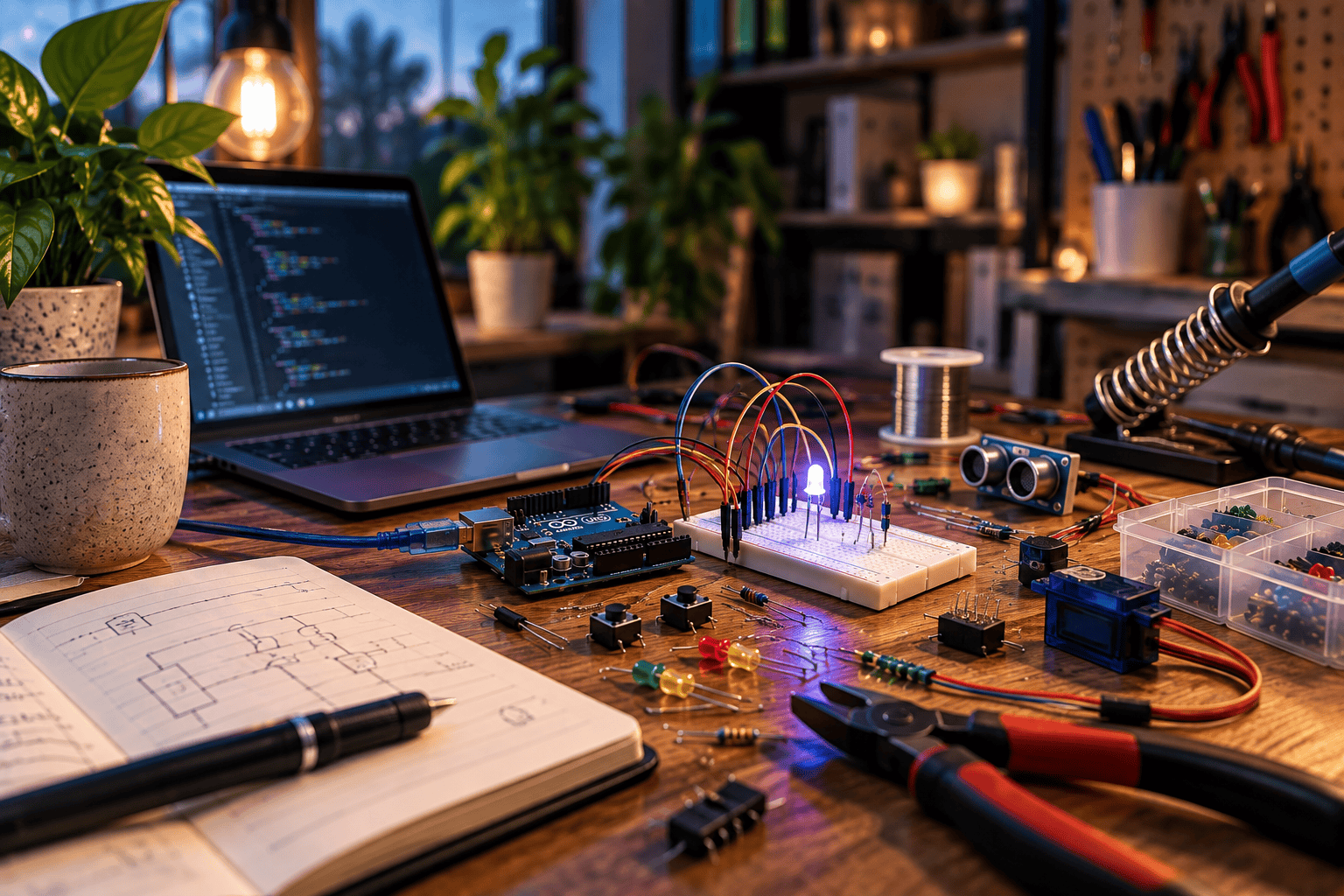
Getting Started with DIY Electronics: A Beginner’s Guide to Building Your Own Gadgets
There’s a unique satisfaction that comes from making an idea real with your own hands. For many creative people, this happens with words on a page or paint on a canvas. But there’s another, equally rewarding world waiting to be explored: DIY electronics. Here, you can build interactive objects, solve small daily problems with custom gadgets, and learn the language of the technology that shapes our modern lives.
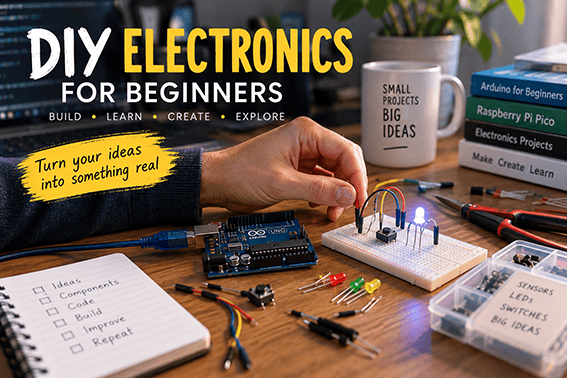
The Allure of Building Your Own Gadgets
The appeal of DIY electronics goes way beyond just soldering wires together. It’s about having the power to create something that responds, reacts, and does the job you designed it to do. Imagine building a custom lamp that changes colour with the weather, a small desk companion that alerts you to important emails, or an interactive art piece that tells a story with light and sound.
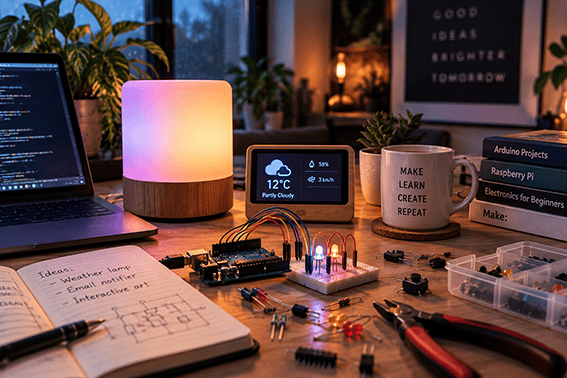
These are accessible projects for curious beginners. Building your own gadgets demystifies the technology we use every day. It turns you from a passive consumer into an active creator, giving you new skills and a fresh creative outlet.
Choosing Your First Microcontroller Board
Every electronics project needs a brain, and in this world, that brain is a microcontroller. This tiny computer-on-a-chip is what you’ll program to tell your lights when to blink, your motors when to turn, and your speakers when to make a sound. For beginners, the most common starting points are the Arduino and the Raspberry Pi Pico. Arduino is famously robust and forgiving, with a huge online community and countless tutorials.
The Raspberry Pi Pico is a newer, incredibly affordable, and powerful alternative that’s also gaining a lot of popularity. If you want to dive deeper into the core concepts, understanding the basics of microcontrollers is a great next step before you buy anything. Don’t get too hung up on the choice; both are excellent places to start.
Basic Inputs: How to Make Things Happen
Once your microcontroller has a ‘brain’, it needs ‘senses’ to interact with the world. This is where inputs come in. An input can be anything that sends a signal to the board, telling it that something has happened. This could be a sensor that detects light, a dial that measures rotation, or something as simple as a button.
For many first projects, a simple push switch is the perfect way to create a clear cause-and-effect action. Press the button, and the light turns on. Press it again, and a sound plays. This immediate feedback is incredibly rewarding and is a fundamental building block for almost any interactive project you can imagine.
Simple Projects to Ignite Your Creativity
The best way to learn is by doing. Instead of aiming for a complex robot on your first try, start with something small and achievable that gives you a quick win. This will build your confidence and teach you essential principles.
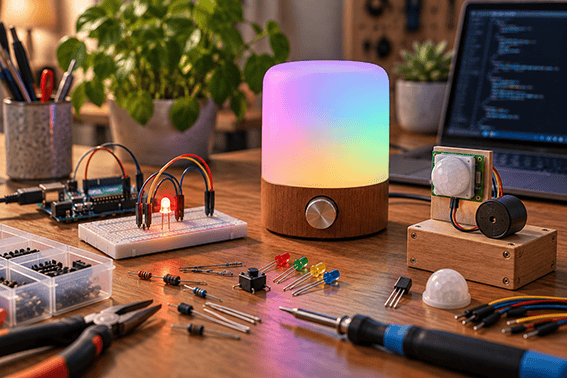
Here are a few ideas:
- A Blinking LED: This is the ‘Hello, World!’ of electronics. Making a light blink according to a simple program you wrote is a foundational and surprisingly thrilling moment.
- A Mood Lamp: Combine an RGB LED with a few dials to create a small lamp that lets you mix your own colours. It’s a beautiful and practical introduction to analog inputs.
- A Simple Alarm: Use a motion sensor to trigger a buzzer. You can place it on a drawer or a door to learn how sensors work.
For step-by-step instructions and endless inspiration, you can find a beginner’s guide and thousands of other projects online. The key is to pick something that genuinely interests you.
Troubleshooting Common DIY Challenges
Your first project probably won’t work perfectly on the first try, and that’s completely normal. Troubleshooting is a core part of the DIY process; it’s more like solving a puzzle than a sign of failure. First, check your physical connections. A loose wire is often the culprit. Second, review your code. Even a single misplaced comma or typo can stop a program from running. If you’re truly stuck, the online community is your best friend. There are forums and groups filled with experienced makers who are almost always happy to help a newcomer who has shown they’ve tried to solve the problem themselves.
Getting started in DIY electronics is less about being an engineering genius and more about having curiosity and patience. Start with a simple idea, embrace the learning process, and enjoy the magic of making something that works. Creating something yourself will also allow you to save money on buying a new gadget for the next holiday.